
Settings
How to Update Business Profile Details
Update your business contact details, address, time zone, and goals.
Your business profile is separate from the personal profile under Settings > Account.
Use Settings > Business for the details used on client documents, schedules, and reports.
Business profile versus personal profile
Have your business contact details and address ready.
These details are used on client documents and in scheduling and reports.
Business contact details
Review Business name, Business phone, and Business email exactly as clients should see them on documents.
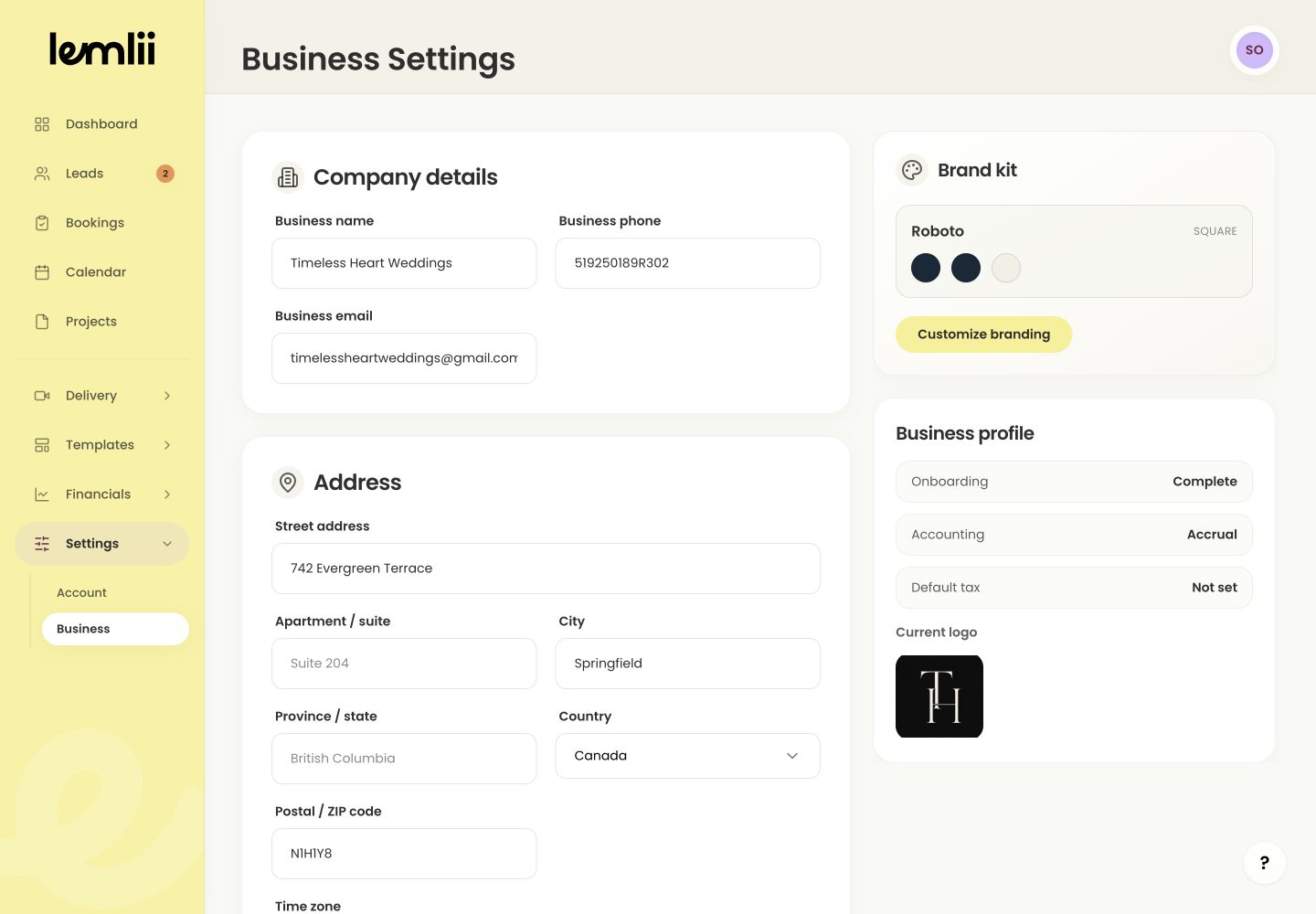
Business company details Address, country, and time zone
Review street, apartment or suite, city, province or state, country, postal or ZIP code, and Time zone.
Capacity and annual goals
Set Capacity per day, Yearly wedding goal, and Annual revenue goal.
After changing your country
Changing the country can update suggested locale defaults. Verify the Time zone and Default currency afterward.
Use the contact details you want clients to see on their documents.
Confirm auto-saved values
Wait for the settings save state to finish, then refresh or reopen the page and verify the values.