Human-first by design
Stop carrying your business in your head.
Human-first automations that keep you in control. Lemlii prepares personalized drafts and delivers them to your inbox. You review, adjust, and send.
Start Free Trial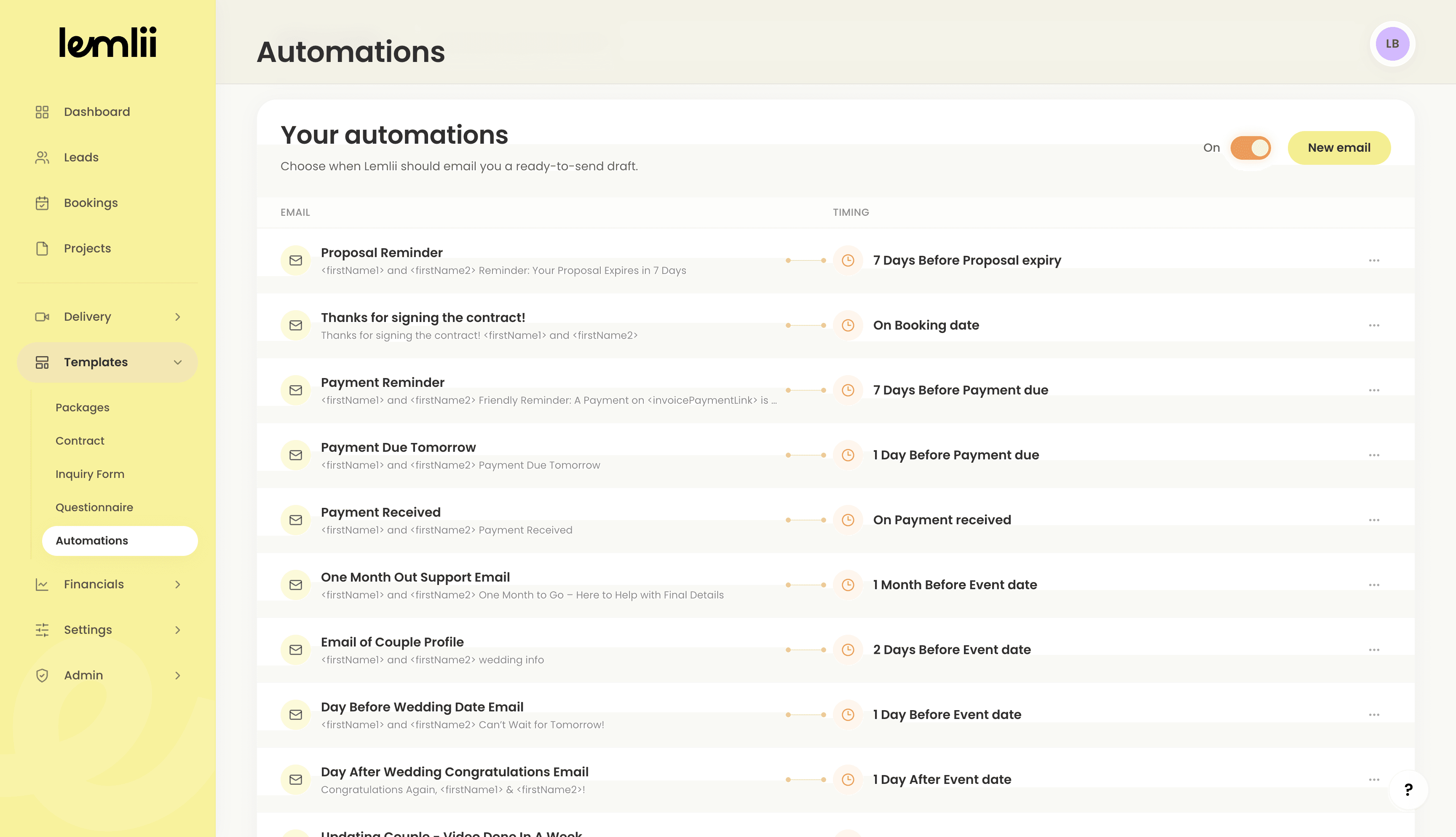
A head start, not a blank page.
Built-in emails and dependable timing give you fewer things to build, remember, and chase.
Plug in. Make it yours. Keep moving.
Essential emails are already connected to the moments you use throughout Lemlii. Make the content sound like you without having to decide where every message belongs.
Turn mental reminders into reliable timing.
Connect an email to a business milestone, then let Lemlii hold onto the reminder for you. The email and its timing stay independent, so either one can evolve with your process.
Example automation
Payment reminder
7 days before due
Let Lemlii remember the moments that matter.
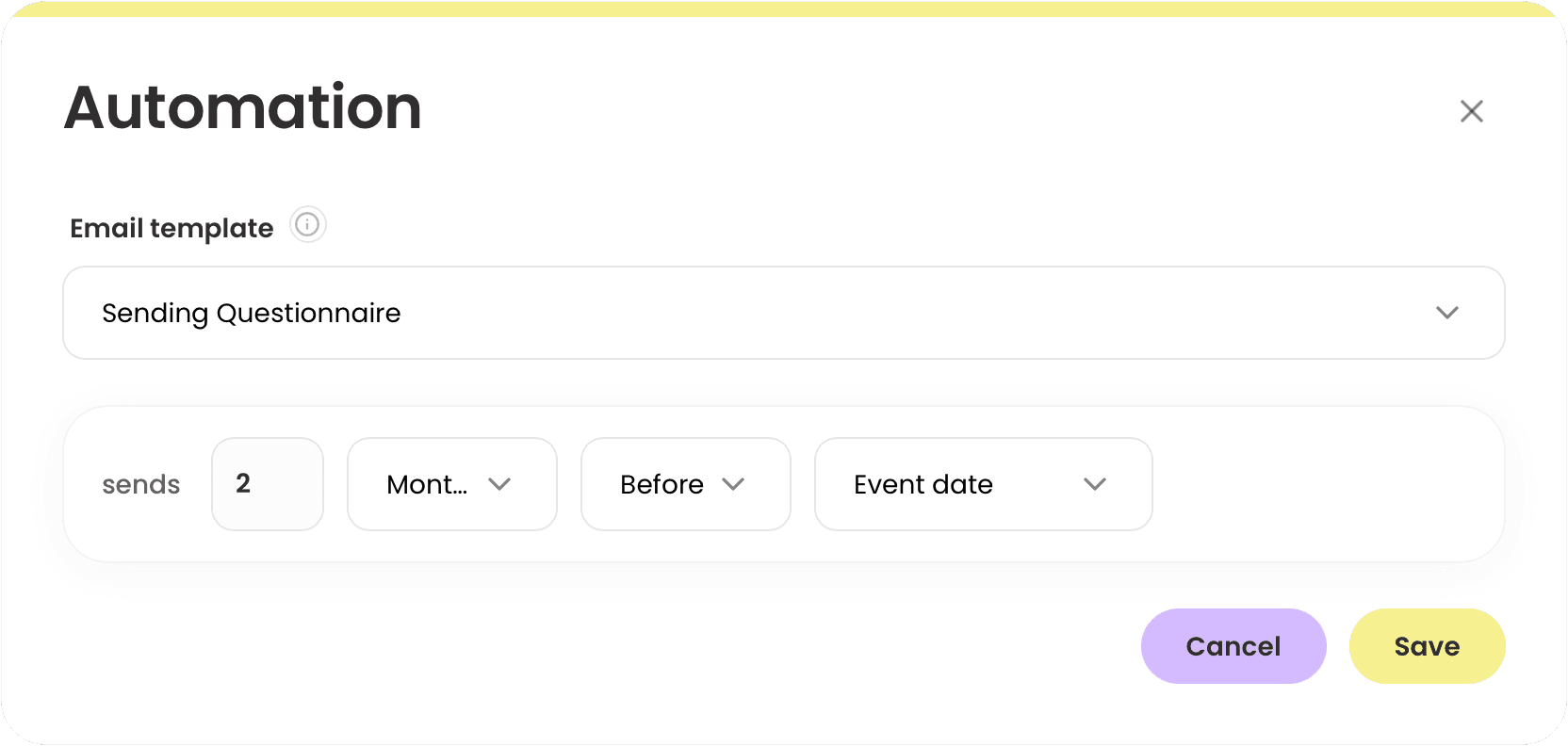
Choose a milestone and its timing, then take it off your mental checklist.
Think 2 months before the event, on the booking date, or 7 days before a gallery expires if it has not been downloaded.
Personal, without starting from scratch.
Dynamic fields prepare every draft with the relevant client, wedding, payment, proposal, questionnaire, gallery, and business details already filled in.
Ready-to-send draft
From mental checklist to ready-to-send draft.
Lemlii prepares and personalizes the email, then delivers it to your inbox—not your client. You review, adjust, and send.
Automation FAQ
How Lemlii creates headspace without taking over the conversation.
Spend less time following up.
More time creating.
Start Free Trial14 days free · No credit card required