From hello to booked without the chase.
Capture inquiries, protect your calendar, and move couples from first message to signed contract without stitching together a dozen tools.
Start Free Trial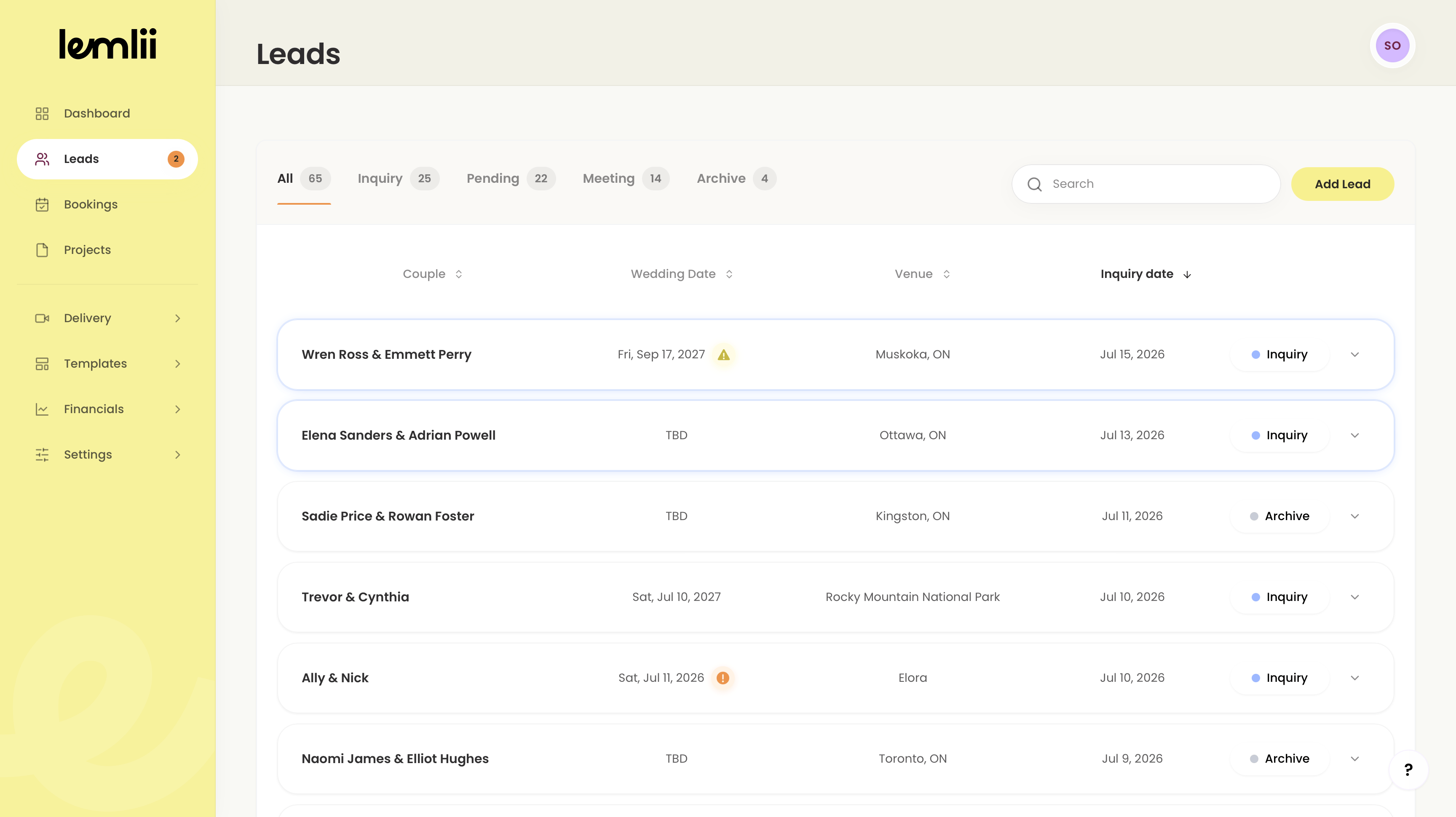
1. They Inquire
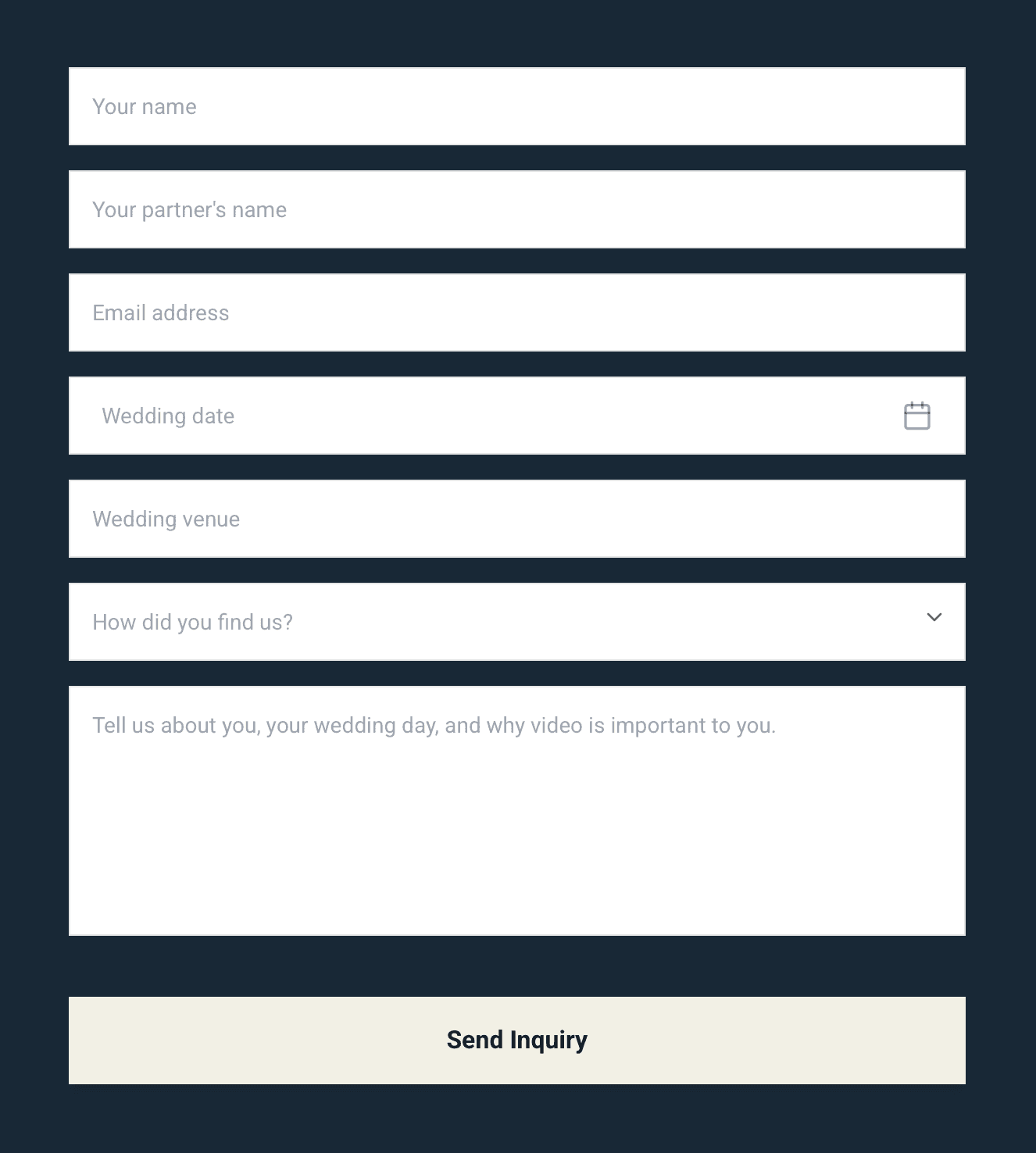
A couple lands on your website and fills out your embedded inquiry form with their wedding date, venue, and story.
2. Lemlii Captures It
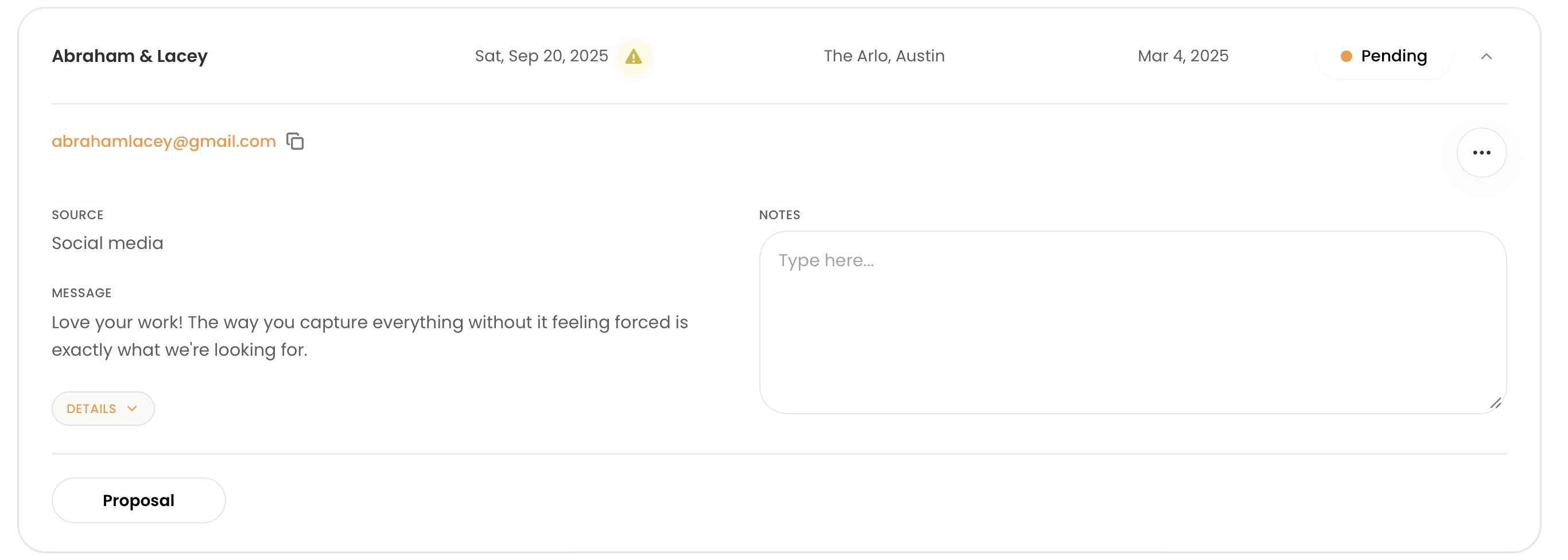
The inquiry lands in your leads dashboard, creates a profile, and checks the date for conflicts so the next step is clear.
3. You Get Booked
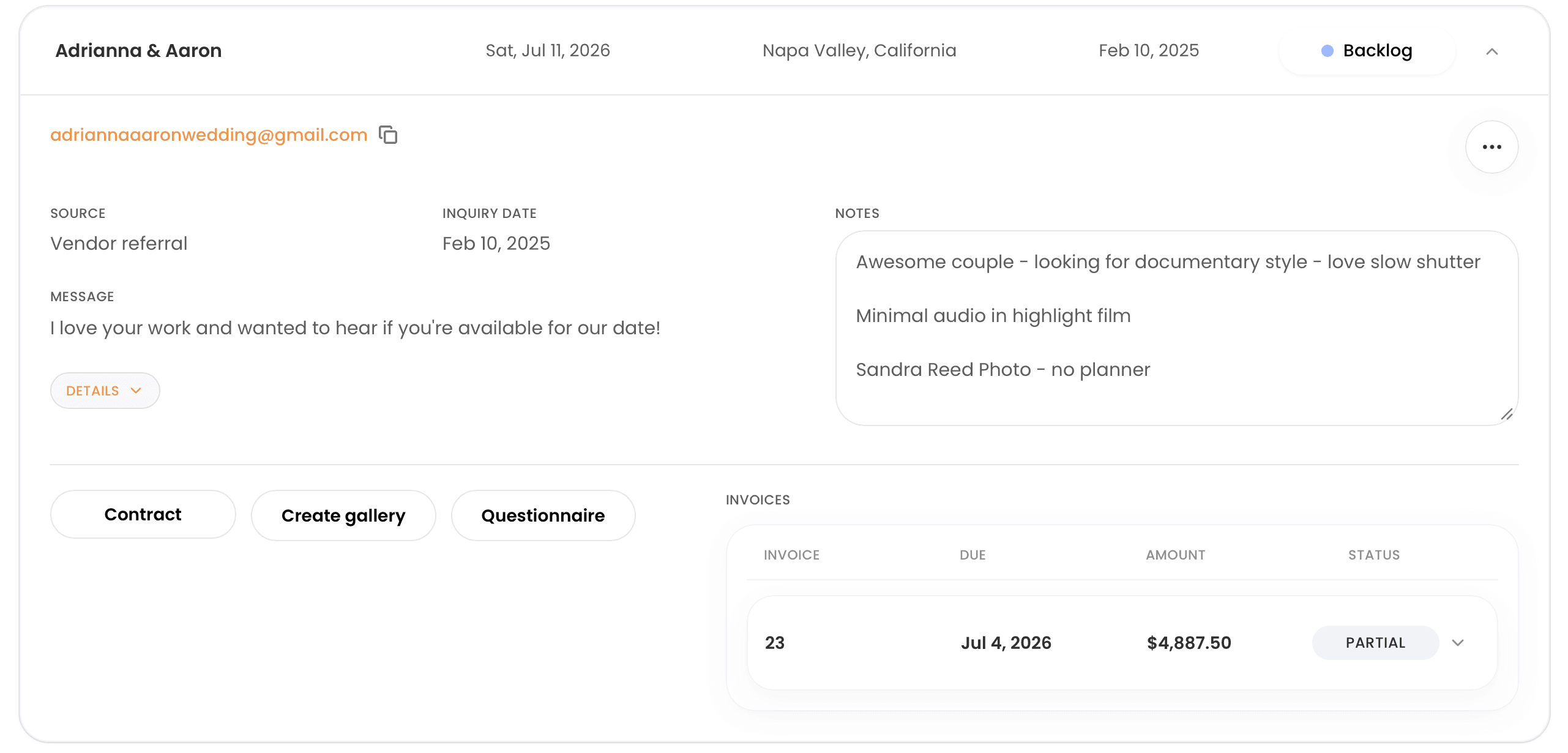
Once they say yes, send the proposal. When signed, the booking, contract, invoice, and payment schedule are ready to move.
“It's super user friendly and helps me stay on top of bookings, contracts, and invoices, without the stress.”
 Sydney Joy Media
Works beautifully with
A better first step for every lead.
Capture the details, protect your calendar, and keep every next step clear from the first inquiry.
Double-Booking Protection
If a lead inquires for a date you are already booked, Lemlii flags it instantly so your calendar stays protected.
Auto-Reply Packages
Prepare your pricing guide response quickly. Lemlii sends the draft to you first, so you can personalize before replying.
Questionnaire Integration
Send detailed questionnaires in one click and keep the answers attached to the couple profile.
Lead Tracking
Lead Tracking & Booking FAQs
Everything you need to know about managing leads.
Know your inquiry and booking totals? Enter them in the wedding photo and video growth calculator to estimate the conversion rate your income goal requires.