
Settings
How to Update Account Details
Update your profile name, sign-in email, or password.
Open Settings > Account and stay on the Profile tab.
Profile names auto-save after you leave a field. Email and password changes use separate confirmation actions.
Before changing sign-in details
You need access to the new inbox to change your email, or your current password to change your password.
Update your profile name
- 1.
Edit First name or Last name, then leave the field and wait for the save to finish.
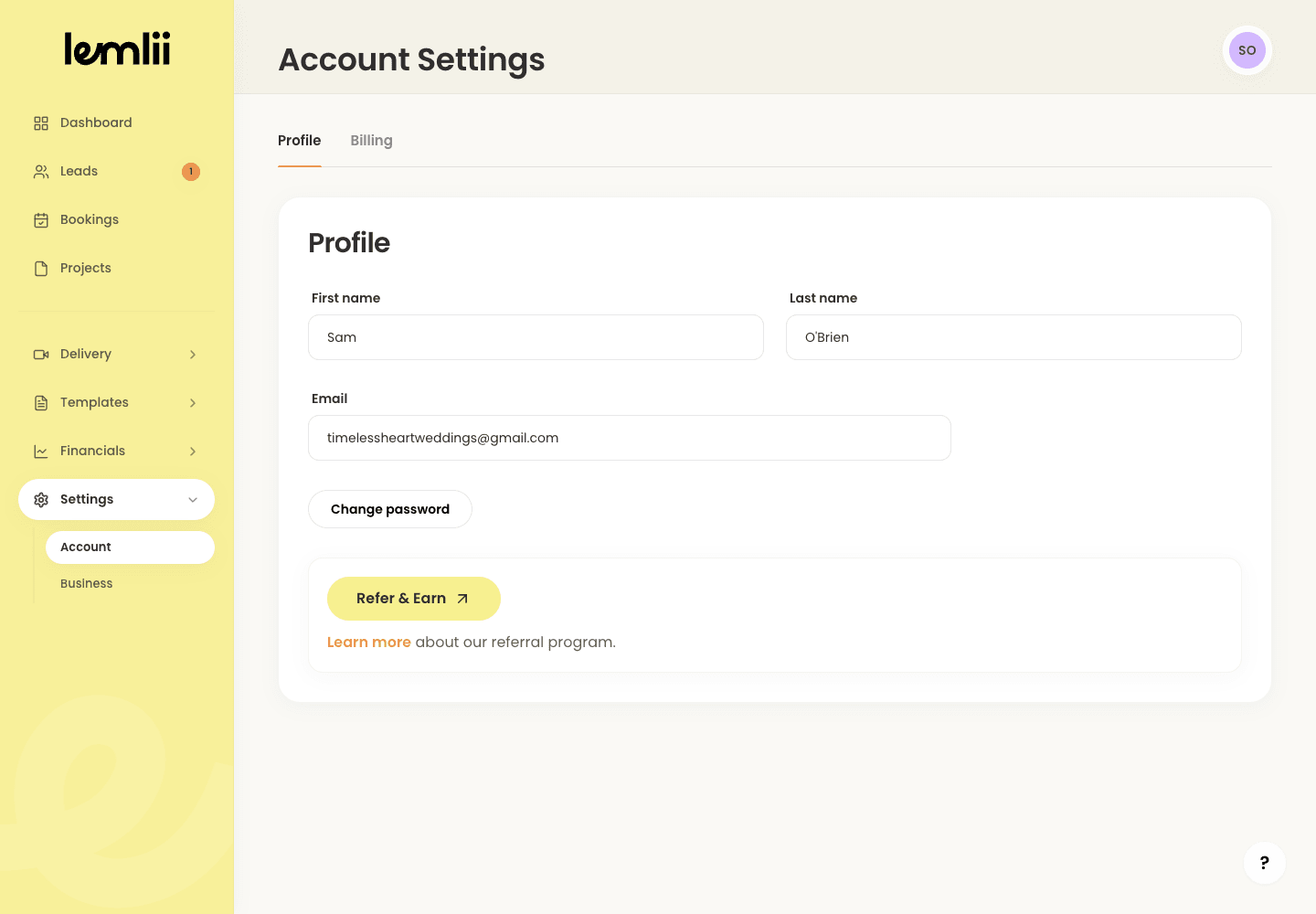
Account Profile settings - 1.
Change the account email
- 1.
Enter the new Email and click Update email.
- 2.
Check the new inbox and complete the confirmation. Until then, Settings shows the pending address.
- 1.
Change the password
- 1.
Click Change password.
- 2.
Enter Current password, New password, and Confirm new password, then click Update password.
- 3.
The new password must contain at least eight characters.
- 1.
Account-specific differences
Shooter-only accounts may show only the Profile tab and additional shooter-rate settings.
Keep using your current sign-in email until you confirm the new address.
Confirm the updated account
Reopen Settings > Account > Profile and verify the name and confirmed email.
After changing your password, sign in again to test it.