
Settings
How to Review Billing Settings
Open the billing portal to review your plan, trial, payment method, invoices, and upcoming billing.
Manage your subscription under Settings > Account > Billing.
The billing portal opens in a new tab.
Open the Billing tab
- 1.
Open Settings.
- 2.
Choose Account.
- 3.
Select Billing.
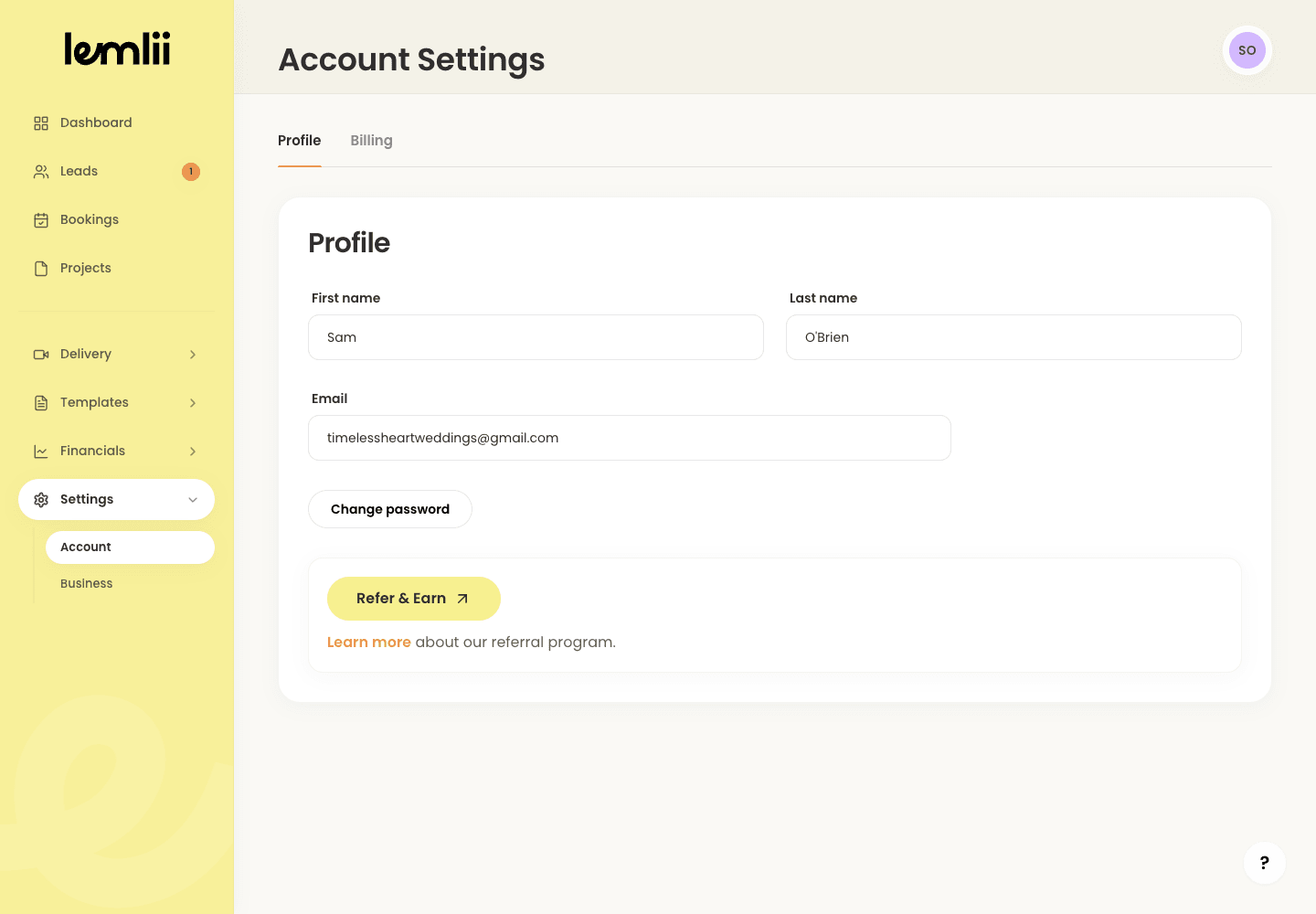
Account Billing tab - 1.
Open the billing portal
- 1.
Under Subscription, click Open billing portal.
- 2.
Allow pop-ups if the new tab does not open.
- 1.
Information available in the portal
Review your plan, trial, payment method, invoices, and next bill in the portal.
Keep other account tools separate
The current plan and billing status are confirmed in the billing portal, not displayed as a plan card in Lemlii Settings.
The Billing tab can also show CSV export tools for eligible accounts and a Refer & Earn link; those are separate from subscription management.
Protect payment information
Keep payment details out of any screenshots you share.
Finish and return to Lemlii
When you finish, close the portal tab to return to Lemlii.