
Projects
How to Mark a Project as Downloaded
Mark a project complete after the client downloads their files.
A connected client download can move a project from Sent to Downloaded automatically.
You can also move the card manually after confirming the files were received.
What counts as a download
Watching a video does not count as downloading a file.
Only move the card yourself once the client confirms they have the files.
Confirm the client received a file
Check for a file download in the gallery, or ask the client if they received the files.
Move the card only when needed
- 1.
If the card has not moved automatically, drag it to Downloaded.
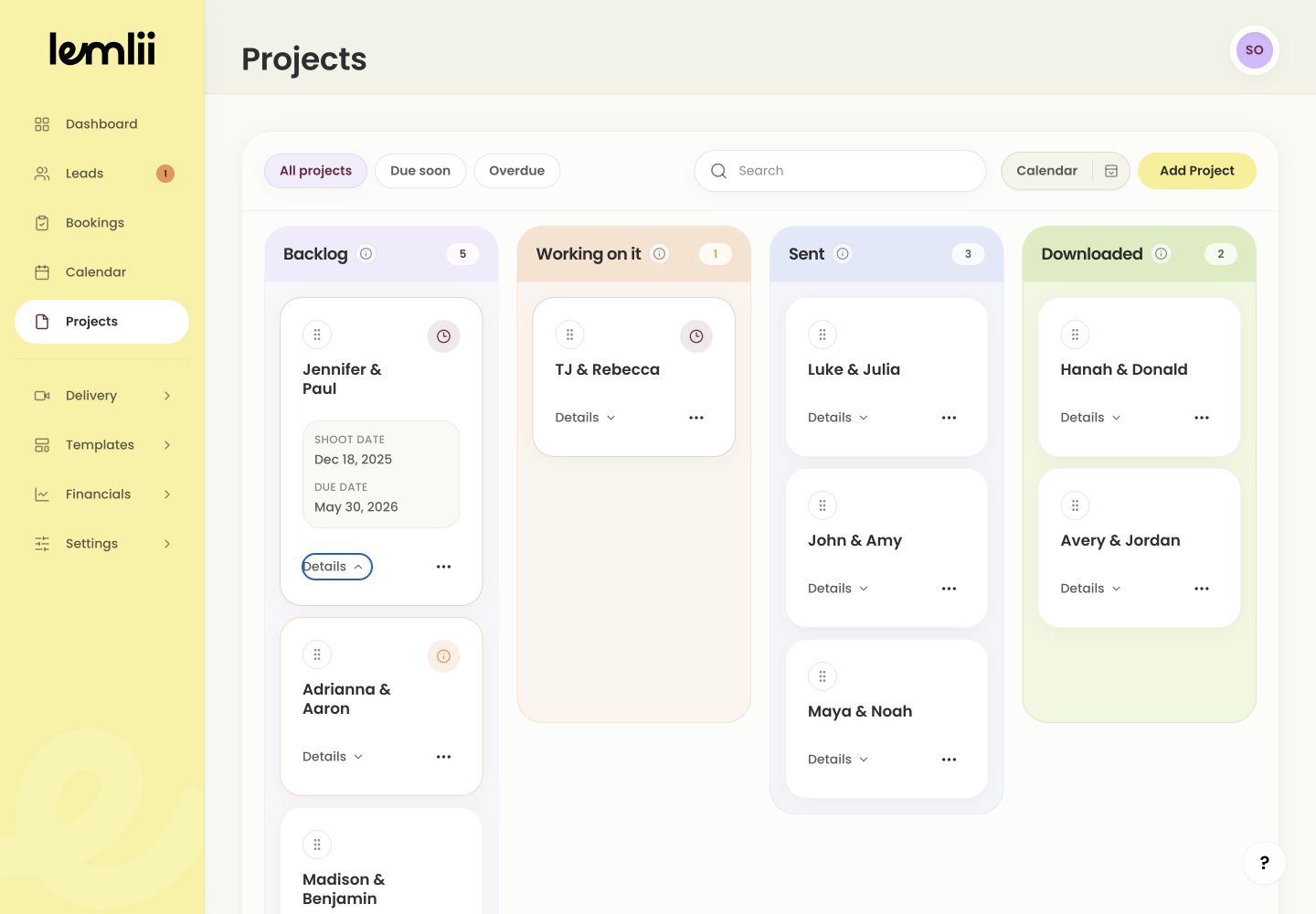
Project in Downloaded - 1.
What happens after Downloaded
Check that the card and connected booking show Downloaded.
The project is complete unless the client needs more files.
- Downloaded projects archive automatically after 28 days.
- Only downloading an uploaded gallery file counts as a file download; watching an embedded video does not.
- Ask the client to confirm they received the files before moving the card manually.
Verify the completed delivery
The gallery and connected project should show Downloaded.