
Dashboard
Understanding Upcoming Events
Review booked events occurring in the next 30 days and open the related booking.
Upcoming events shows bookings in the next 30 days.
The 30-day event window
On Dashboard, Upcoming event or Upcoming events lists booked work in the next 30 days.
What each row tells you
Each row shows:
- The client or event name
- The venue preview, when a venue is available
- The scheduled event date
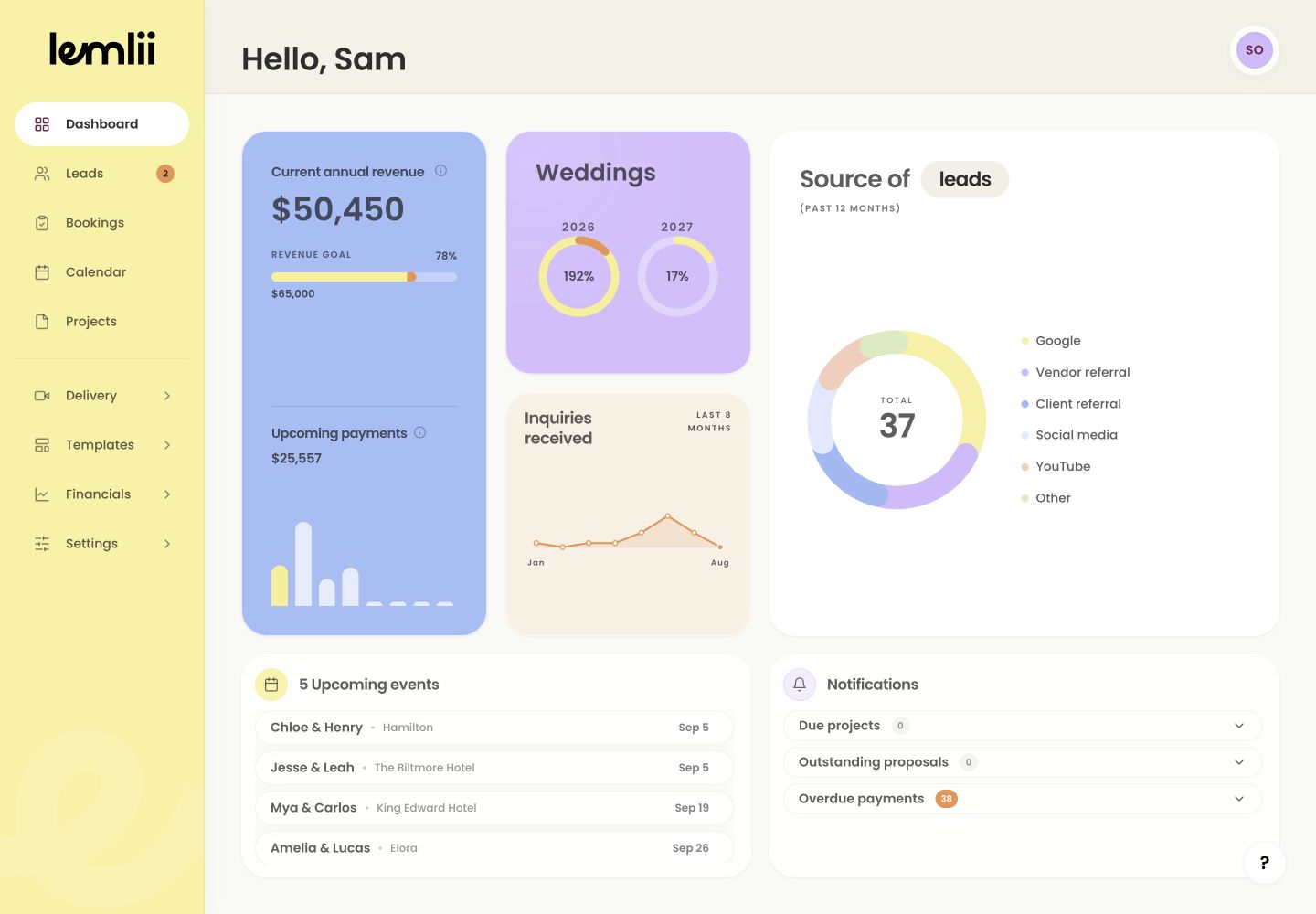
Upcoming events card Open the connected booking
Select an event to open its details in Bookings.
Correct an outdated event
Edit the details in the booking:
- 1.
Open Booking actions from the focused record.
- 2.
Select Edit booking.
- 3.
Correct the date, venue, name, or other relevant field.
- 4.
Select Save booking.
- 5.
Return to Dashboard and confirm the row now reflects the saved change.
- 1.
Understand the empty state
No upcoming events and Nothing scheduled in the next 30 days. mean there are no bookings in this window. Later events may still be on your calendar.
Notes
- The Dashboard window is the next 30 days.
- If nothing qualifies, the card shows No upcoming events and Nothing scheduled in the next 30 days.