
Bookings
How to Manage Booking Statuses
Move confirmed work through Upcoming, production, delivery, past, and archive statuses.
Booking statuses keep confirmed work organized from the event date through editing and delivery.
Status meanings
Choose the stage that matches the work:
- Upcoming: confirmed work before the event.
- Backlog: production work waiting to be started or resumed.
- Working on it: active production.
- Sent: finished work has been sent.
- Downloaded: the delivered work has been downloaded.
- Past: completed or historical work kept outside active production.
- Archive: an inactive record retained for history.
Find the booking
Open Bookings, choose Weddings or Other, then use the year filter or Search.
Update the booking status
Status changes save immediately.
- 1.
Select the booking’s current status pill.
- 2.
Review the available stages.
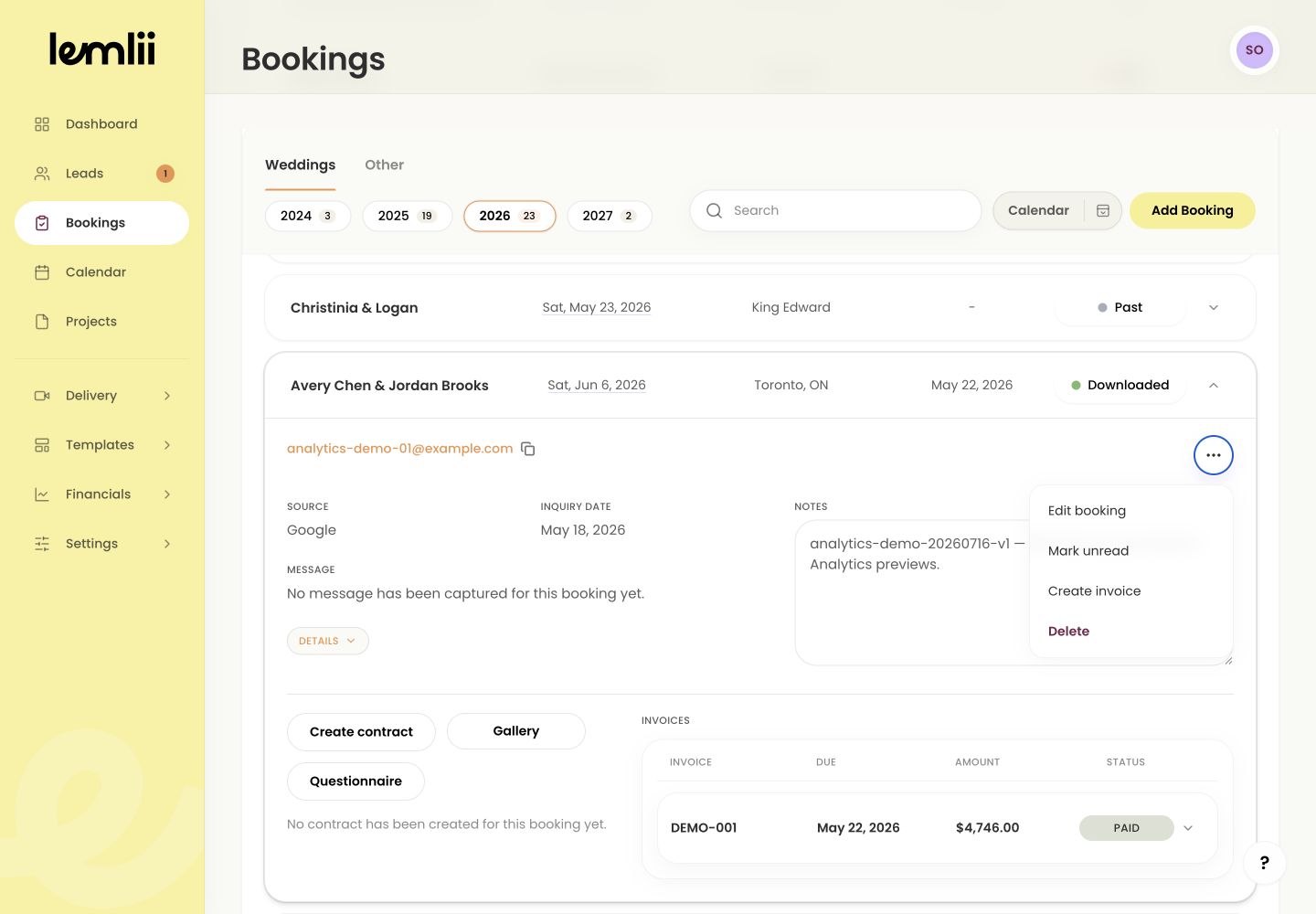
Booking status menu - 3.
Choose the stage that matches the work now.
- 4.
Confirm the new status appears in the booking row.
- 1.
Check the connected production view
Open Projects to check the linked project’s editing status and due date.
What stays with the booking
The booking keeps its client details, notes, invoices, and linked work when its status changes.
Archive and Delete are different
Archive keeps the booking and can be reversed. Delete permanently removes it.
Notes
- Use Archive to retain history. Delete is a separate destructive action.
- Moving to Past or Archive clears the booking’s new/unread state.