
Bookings
How to Edit a Booking
Update wedding or other-job details from the Booking actions menu.
Edit client and event details from the booking’s action menu.
Open the booking you intend to change
Open Bookings, choose Weddings or Other and the year, then expand the booking.
Open the edit form
- 1.
Open Booking actions.
- 2.
For a wedding, select Edit booking.
Edit booking action - 3.
For other work, select Edit job.
- 1.
Update a wedding booking
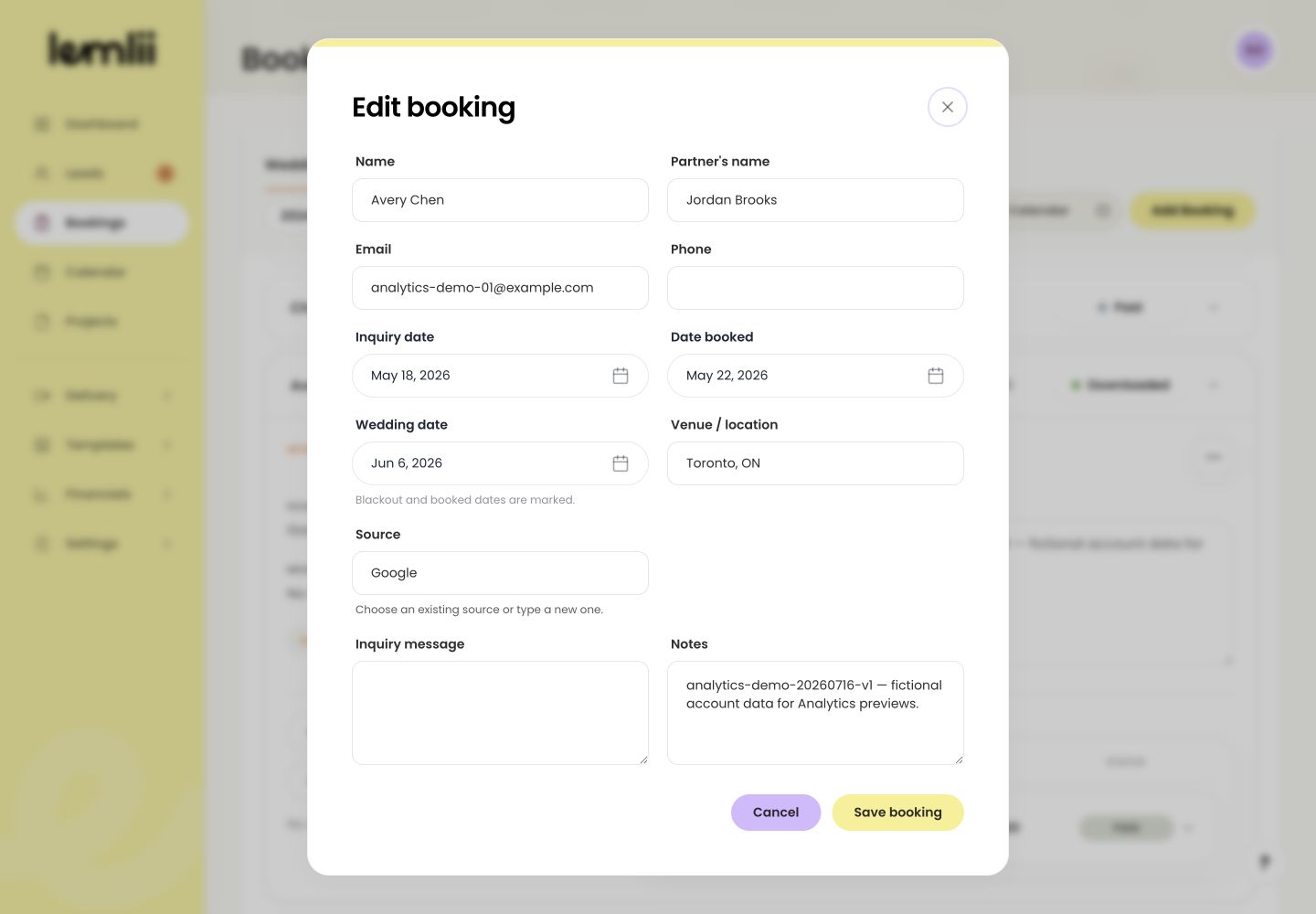
You can edit:
- Name and Partner’s name
- Email and Phone
- Inquiry date, Date booked, and Wedding date
- Venue / location and Source
- Inquiry message and private notes
Edit booking form Update another type of job
For Other work, edit the client or job name, contact details, Event date, Location, or Notes, then select Save job.
Save the changes
Select Save booking or Save job. The updated details appear in the booking row.
Update pricing and payments
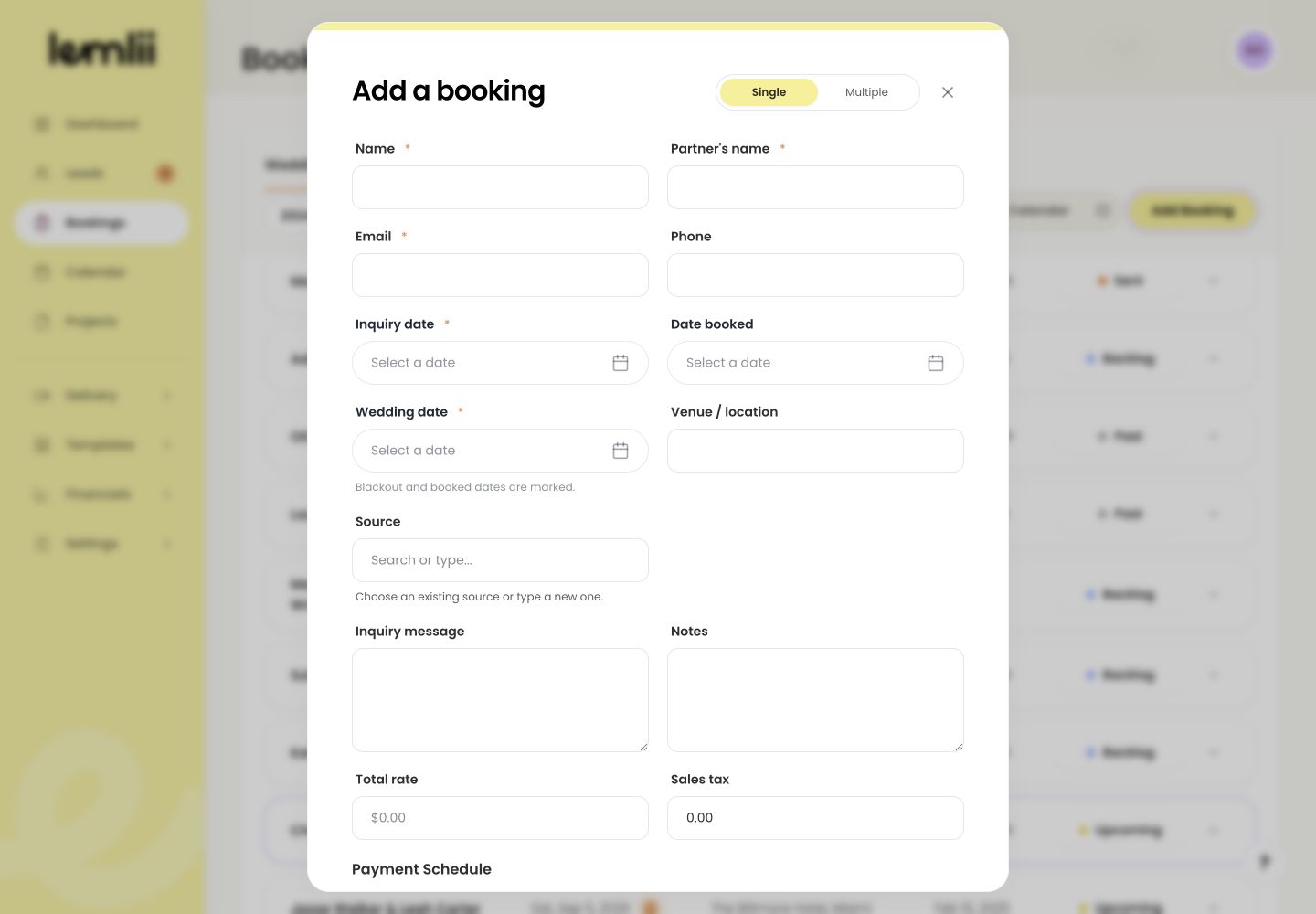
To change pricing, edit the proposal. To record a payment, open the invoice. Edit booking does not include totals, tax, or payment schedules.
Notes
- Changing a date can surface booking and blackout warnings.
- To revise proposal pricing, edit the proposal. To record received money, open the connected invoice and use Record payment.