
Dashboard
Understanding Notifications
Use Dashboard notification groups to open due projects, outstanding proposals, and overdue payments.
Dashboard notifications point to projects, proposals, and payments that need attention.
What appears in Notifications
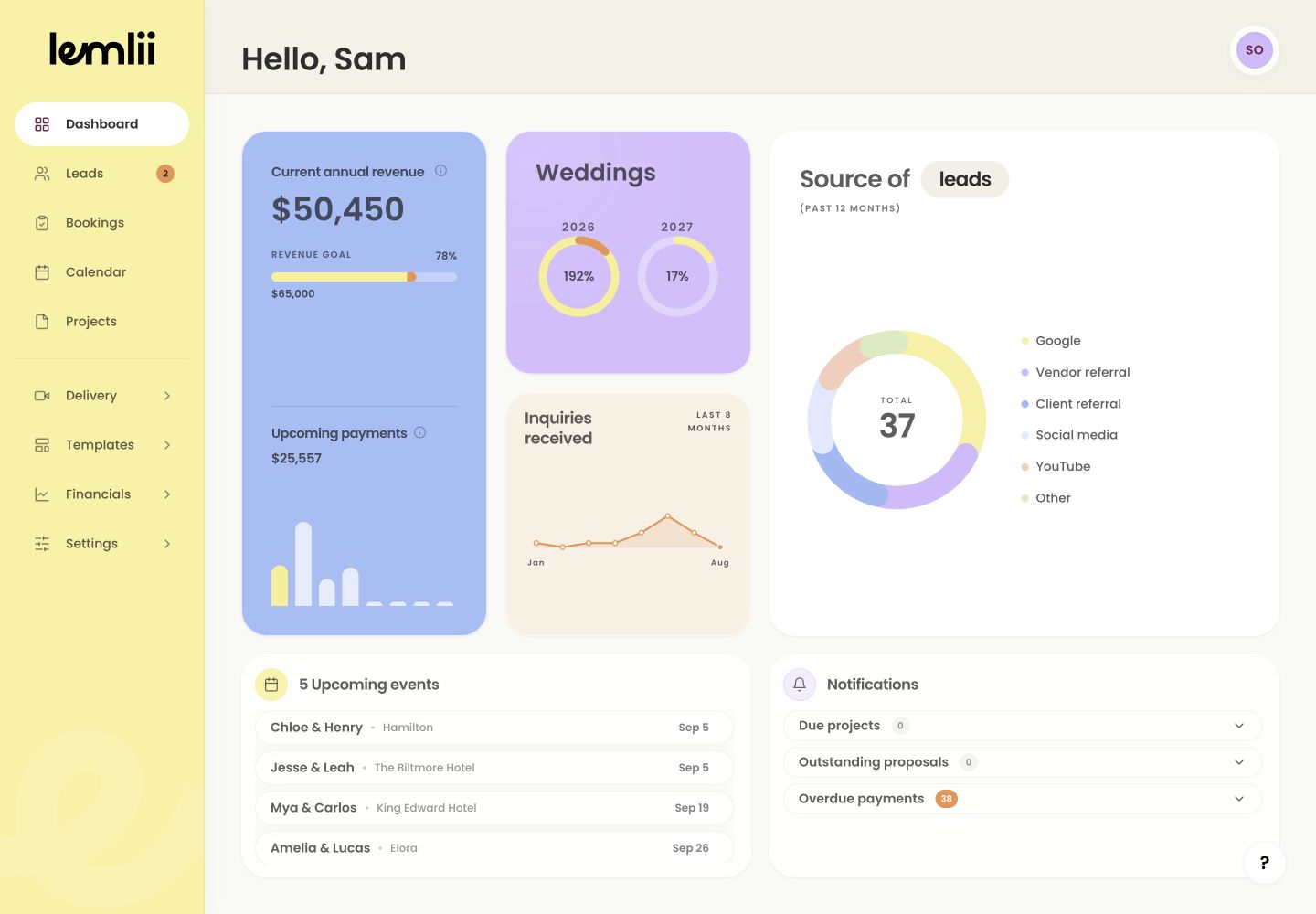
On Dashboard, Notifications shows a count for each group:
- Due projects: production work whose timing needs attention.
- Outstanding proposals: proposals that still need action from you or the client.
- Overdue payments: scheduled amounts that are past due and remain unresolved.
Open a notification group
Select a heading to show its records. Only one group stays open at a time.
Expanded Dashboard notifications Follow the notification to its source
- 1.
Select the record that needs attention.
- 2.
Use Show more when the group contains additional rows.
- 3.
Review the focused project, proposal, invoice, or payment that opens.
- 4.
Complete the appropriate action in that area.
- 1.
Why opening an alert does not clear it
A notification clears when its linked record no longer needs attention. Opening it does not mark the work complete.
Confirm the result
Return to Dashboard to see the updated count. An empty group means no matching records need attention.
Notes
- A count of zero means no matching records currently need attention.
- The list may briefly show a loading state while secondary Dashboard data is fetched.