
Dashboard
Understanding Inquiry Sources
See which sources produced leads and bookings during the past 12 months.
The Source of card shows where your leads and bookings come from.
What the source chart measures
On Dashboard, Source of leads groups client records by source for the Past 12 months.
Compare leads with bookings
- 1.
Select the leads pill to see where recent inquiries came from.
- 2.
Select the bookings pill to see where bookings came from.
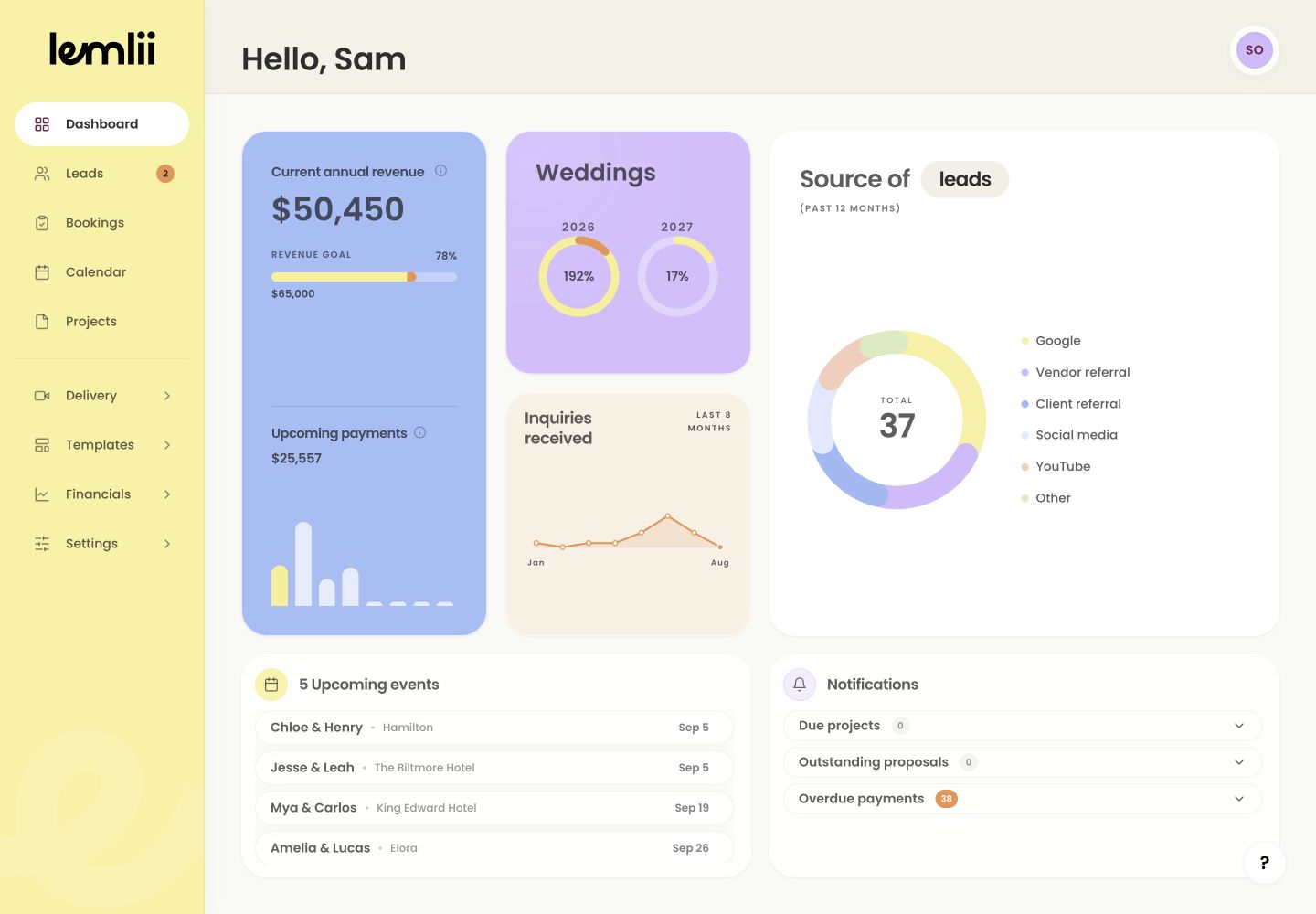
Source of leads and bookings chart - 3.
Keep the time period in mind when comparing the two results.
- 1.
Read one chart segment
Hover over or focus a chart segment or source name to highlight it and see its count in the centre.
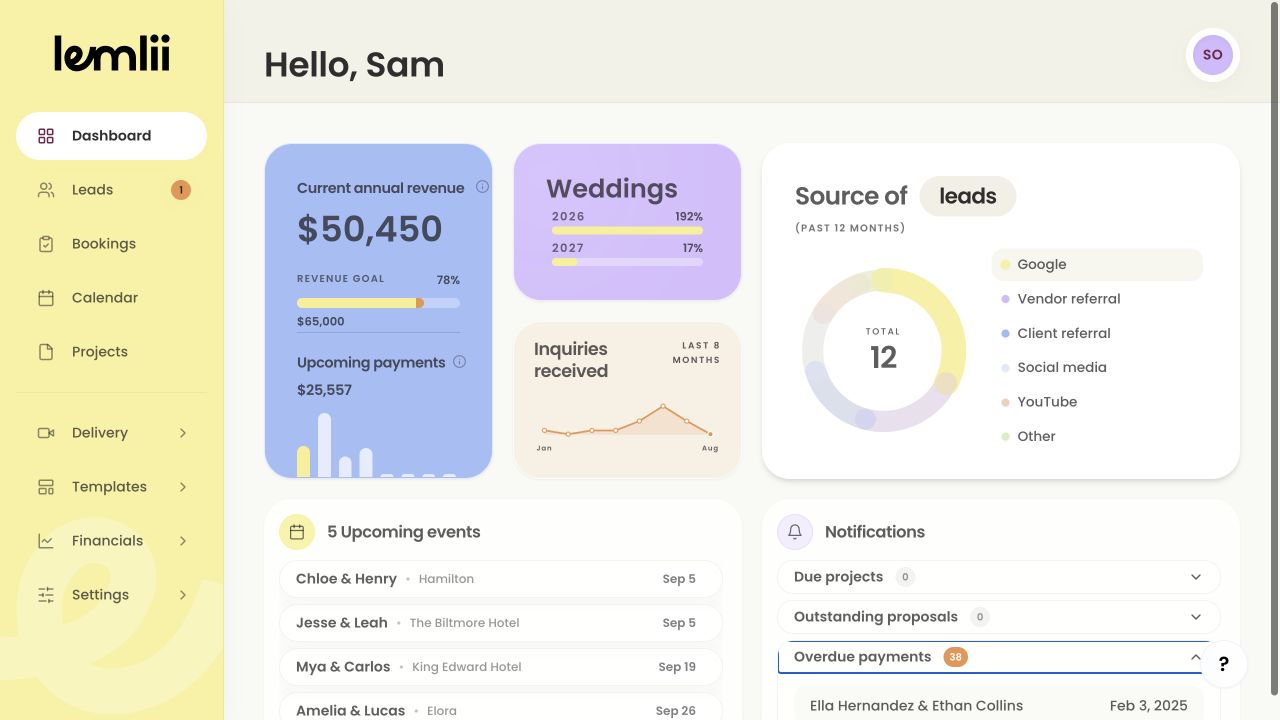
Highlighted source result Why labels may look fragmented
Different spelling or capitalization can split one source into several labels. Blank sources appear as Other.
Keep future reporting clean
Use consistent spelling and capitalization in the Source field when adding or editing leads and bookings.
Review a correction
After changing a source, return to Dashboard to check it under leads or bookings.
Notes
- Lead mode uses inquiry dates in the past 12 months. Booking mode uses shared proposals and qualifying manual bookings.
- Names such as “Instagram” and “instagram” should be entered consistently to avoid unclear reporting.