
Templates
How to Set Up Package Collections
Group related packages and add-ons into a reusable collection.
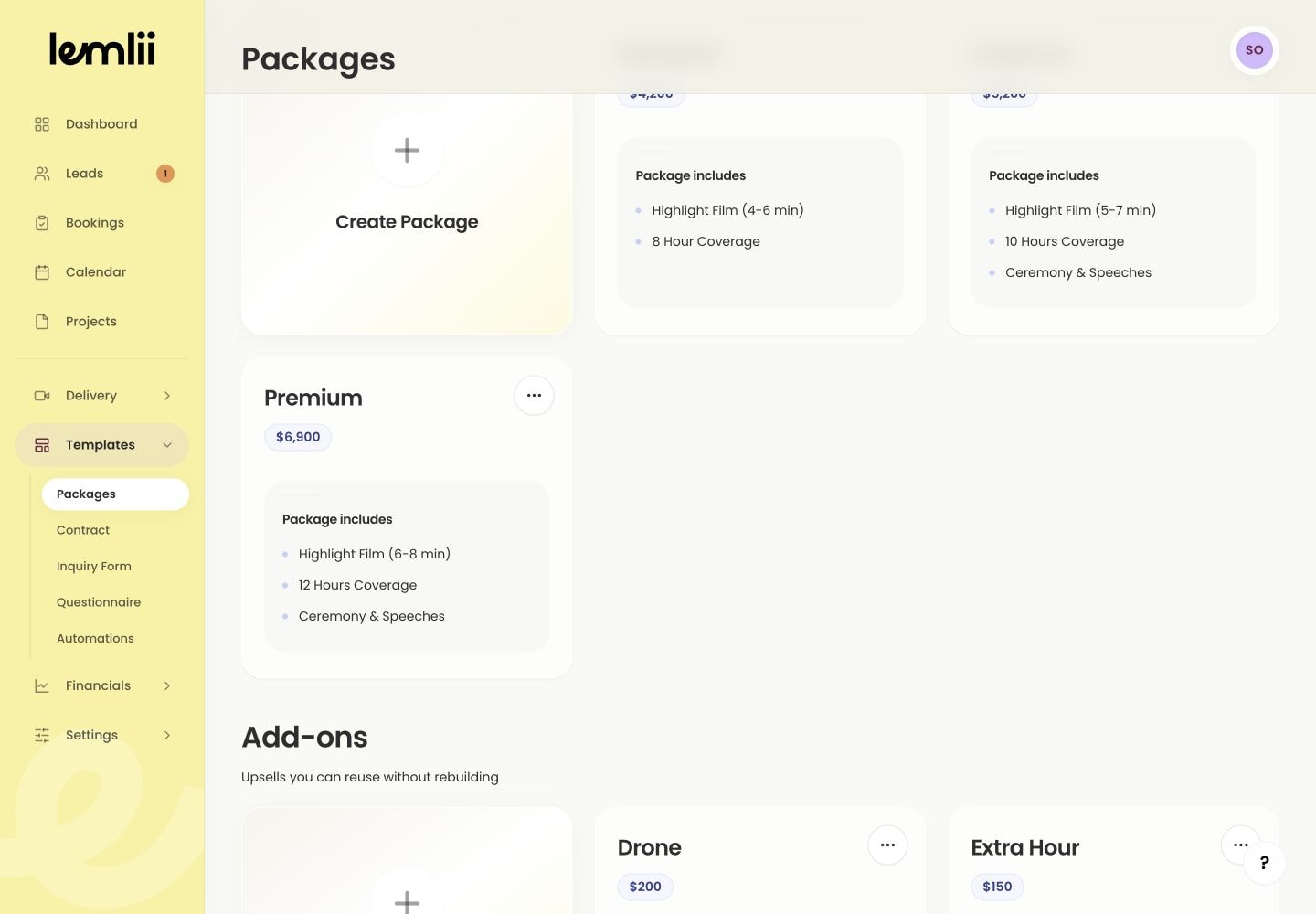
Collections group your packages and add-ons in Templates > Packages.
Create a collection for each year, event type, or service you offer.
Create a collection
Choose a name you’ll recognize when building a proposal.
- 1.
Open Templates and choose Packages.
- 2.
Select the Collections tab.
- 3.
Select Create a collection.
- 4.
Enter the Collection name and, if useful, a short Description.
- 5.
Select Create.
Create a collection modal
- 1.
Add the offers clients can choose
Open the new collection and choose the type of offer you are adding.
- Create Package: adds a core service option that can be selected in a proposal.
- Create Add-on: adds an optional extra that can be offered alongside a package.
Keep the collection organized
Use the collection card to edit, copy, or delete a collection.
- Use separate collections for offers that should not appear together, such as different service lines or years.
- Check the package name, included items, description, and price before using it in a proposal.
- Copy reusable content before deleting a collection. Deleting the collection also removes the packages and add-ons inside it.
Notes
- Package prices use the default currency saved in Settings > Business.