
Questionnaires
How Clients Complete a Questionnaire
See how clients fill out a questionnaire and save their progress.
Clients open the unique questionnaire address you share with them.
The page uses your saved logo, colors, font, and control shape.
What the client sees
The page shows the questionnaire title, subtitle, and questions. An asterisk marks each required answer.
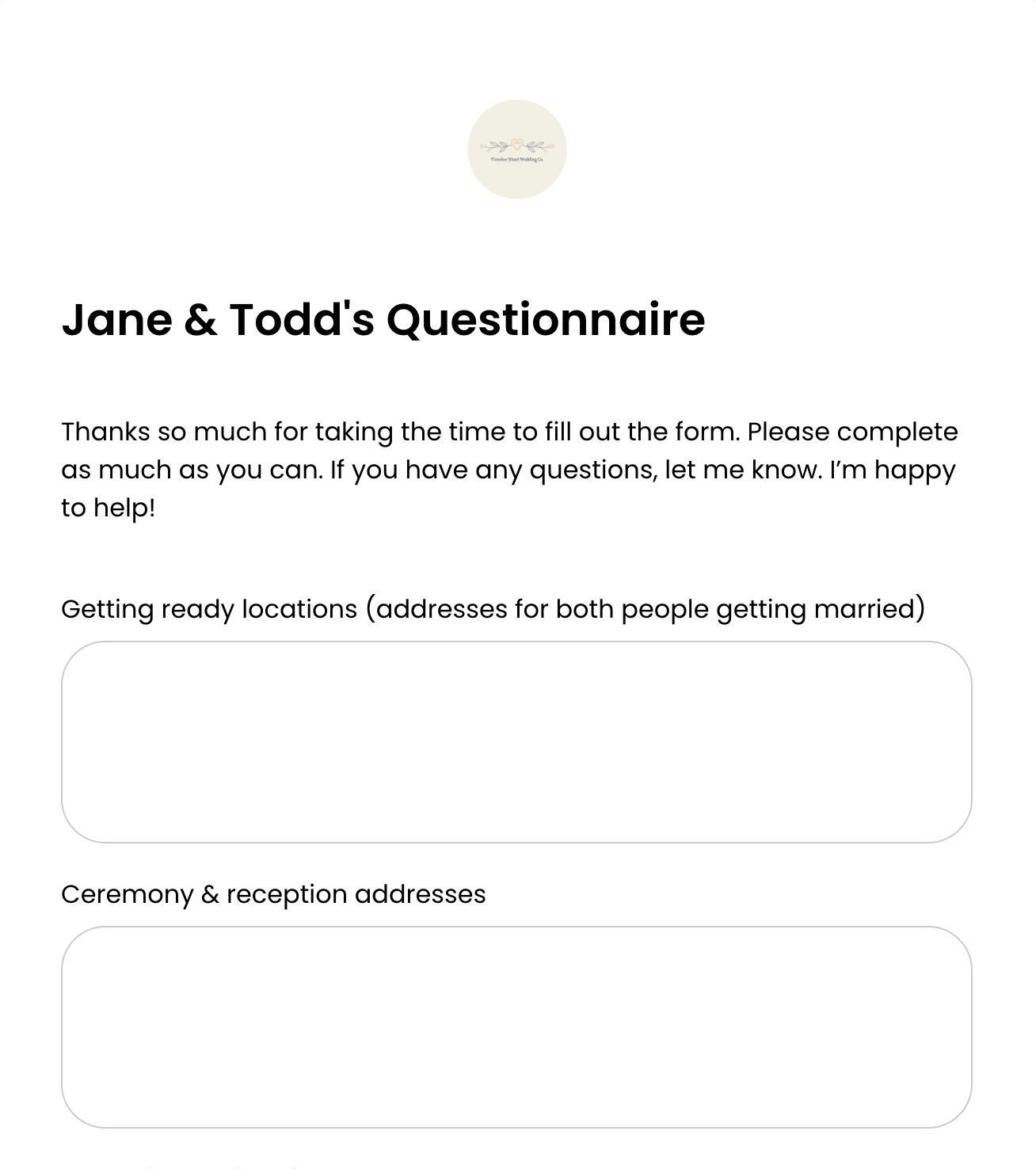
Client questionnaire form While the client is answering
Answers save automatically. Clients can use the same link to return and finish later.
- Saved answers are a work in progress until the client completes the questionnaire.
- A template preview cannot save live client responses; the client must use the unique booking address.
- Required questions must be answered before completion.
Complete the questionnaire
Complete confirms that the answers were submitted.
- 1.
Select Complete Questionnaire after answering the form.
- 2.
If Lemlii identifies a missing required answer, complete that field.
- 3.
Select Complete Questionnaire again.
- 4.
Confirm the action is replaced by Complete.
- 1.
What changes in the booking
When you reopen Questionnaire on the booking, the assigned form shows Completed by client and its responses can be reviewed.