
Leads
How to Send a Proposal From a Lead
Create, preview, sign, and share a proposal link from an expanded lead.
Create a proposal from a lead, then share its link with the client.
Start from the correct lead
The proposal stays linked to this inquiry.
- 1.
Open Leads.
- 2.
Find and expand the intended inquiry.
- 3.
Review the couple, email, wedding date, and date warning.
- 4.
Select Create Proposal.
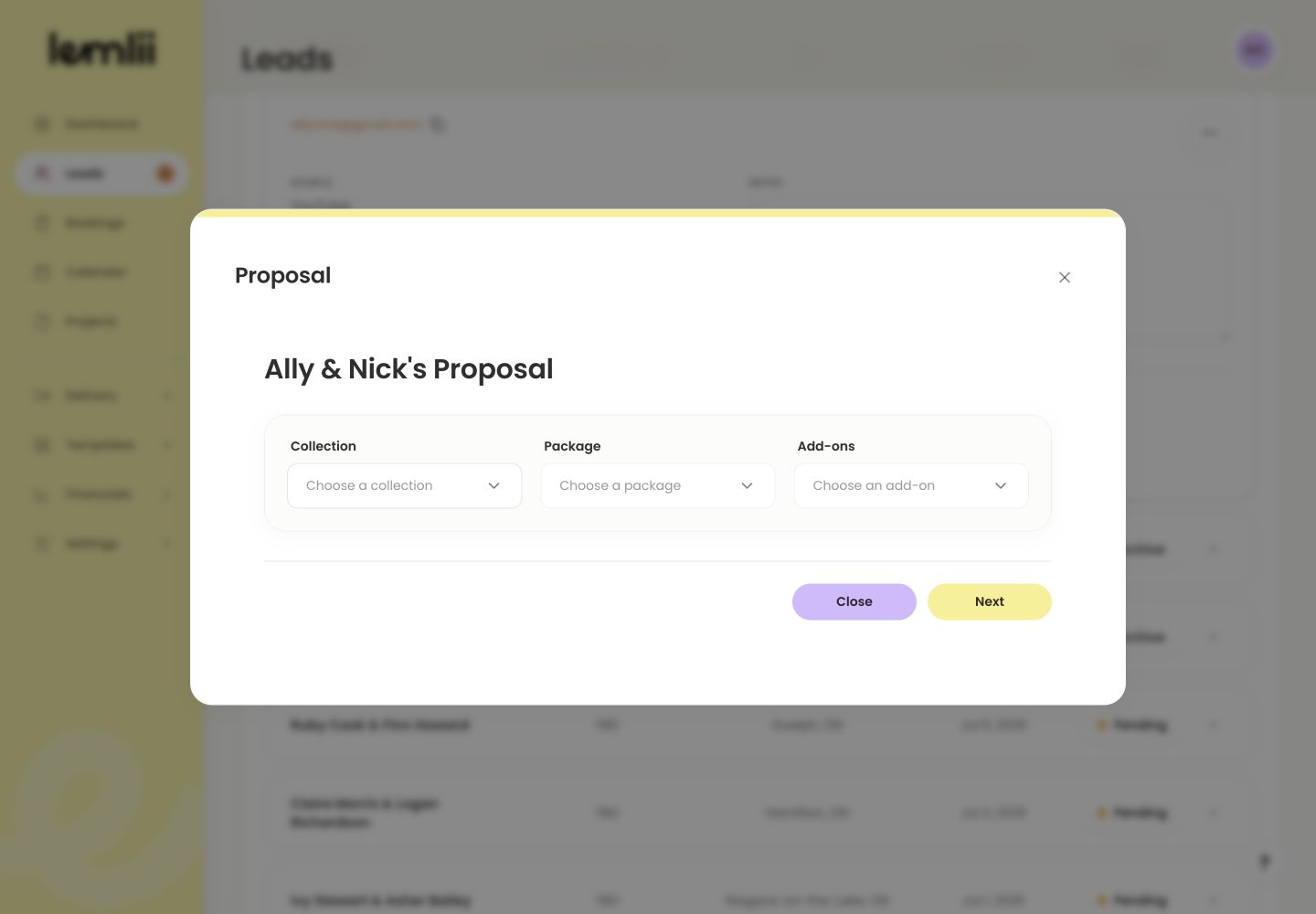
Create Proposal action in expanded lead
- 1.
Build the price
- 1.
Choose a Collection and Package.
- 2.
Add relevant Add-ons or use Add custom item.
- 3.
Review the discount and taxes.
- 4.
Confirm the total, then select Next.
- 1.
Review the Proposal Preview
Check:
- Client and wedding details
- Payment schedule and due dates
- Accept credit card, when available and intended
- Contract text
- Business signature
Resolve completion checks
Payments must add up to the total, with valid due dates. Add contract text and the business signature. Use Edit in the Contract section for terms specific to this client.
Complete and inspect the client page
Select Complete, then Open Link in Share proposal to check the page before sending.
Share the proposal
- 1.
Use Open Link for the final client-view check.
- 2.
Choose Copy Link to paste the proposal into your own message.
- 3.
Or choose Open Email App to prepare an email in the device’s default email app.
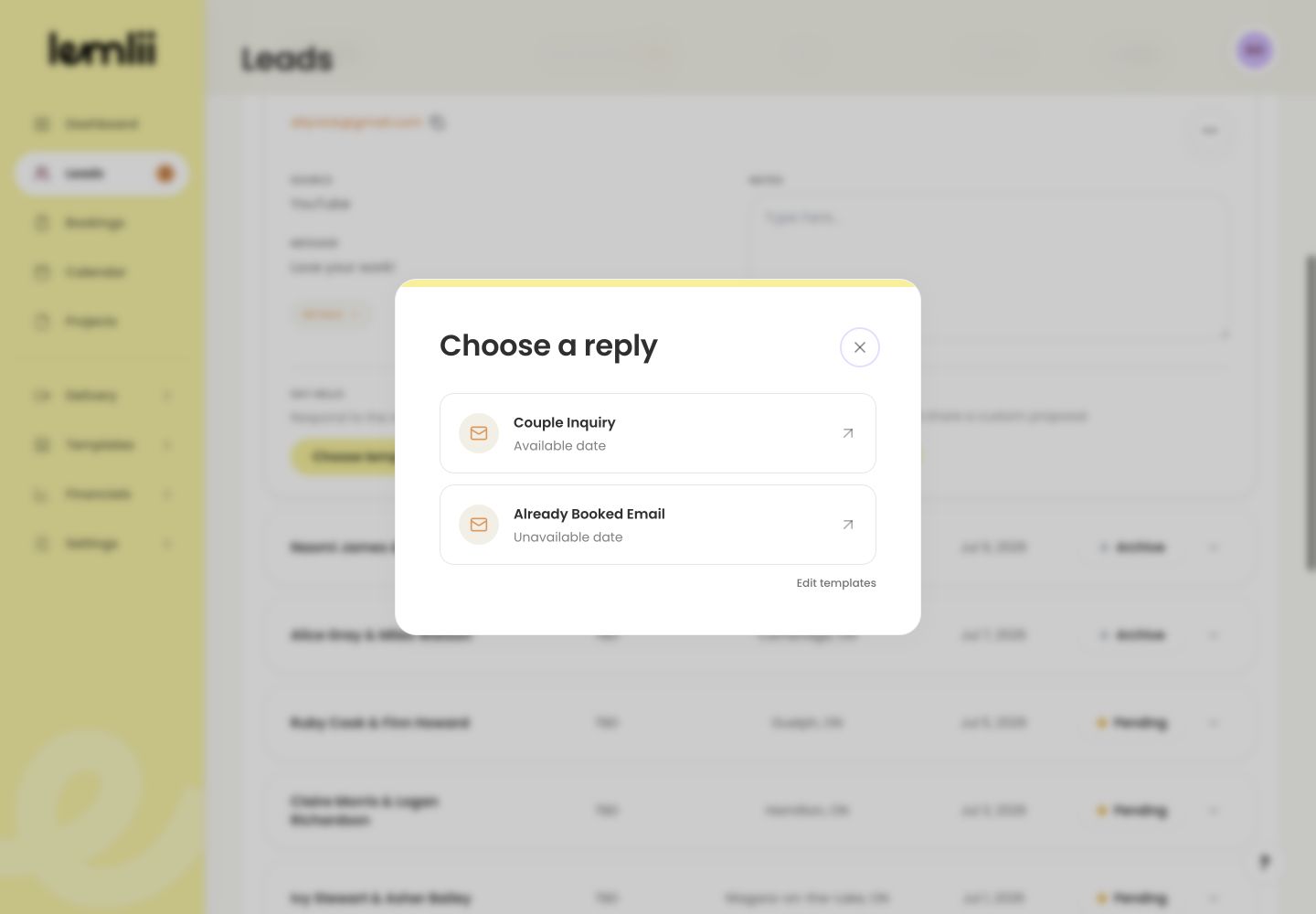
Share proposal link actions - 4.
Confirm the email or message before sending; Lemlii does not send it automatically from the share window.
- 1.
Notes
- Open Email App prepares an email in the device’s default email app; it does not send automatically.
- After creation, hover or open Proposal for Edit proposal, Open proposal, and Copy proposal link.