
Questionnaires
How to Update a Questionnaire Before Sending
Adjust a client-specific questionnaire without changing the master template.
Choose Edit Questionnaire while assigning a questionnaire to make a client-specific version.
These changes apply to that booking’s copy, not the reusable template in Templates.
Create the editable client copy
A questionnaire must be assigned to the booking before it can be customized for that client.
- 1.
Open Bookings and select Questionnaire for the correct client.
- 2.
Choose a questionnaire template.
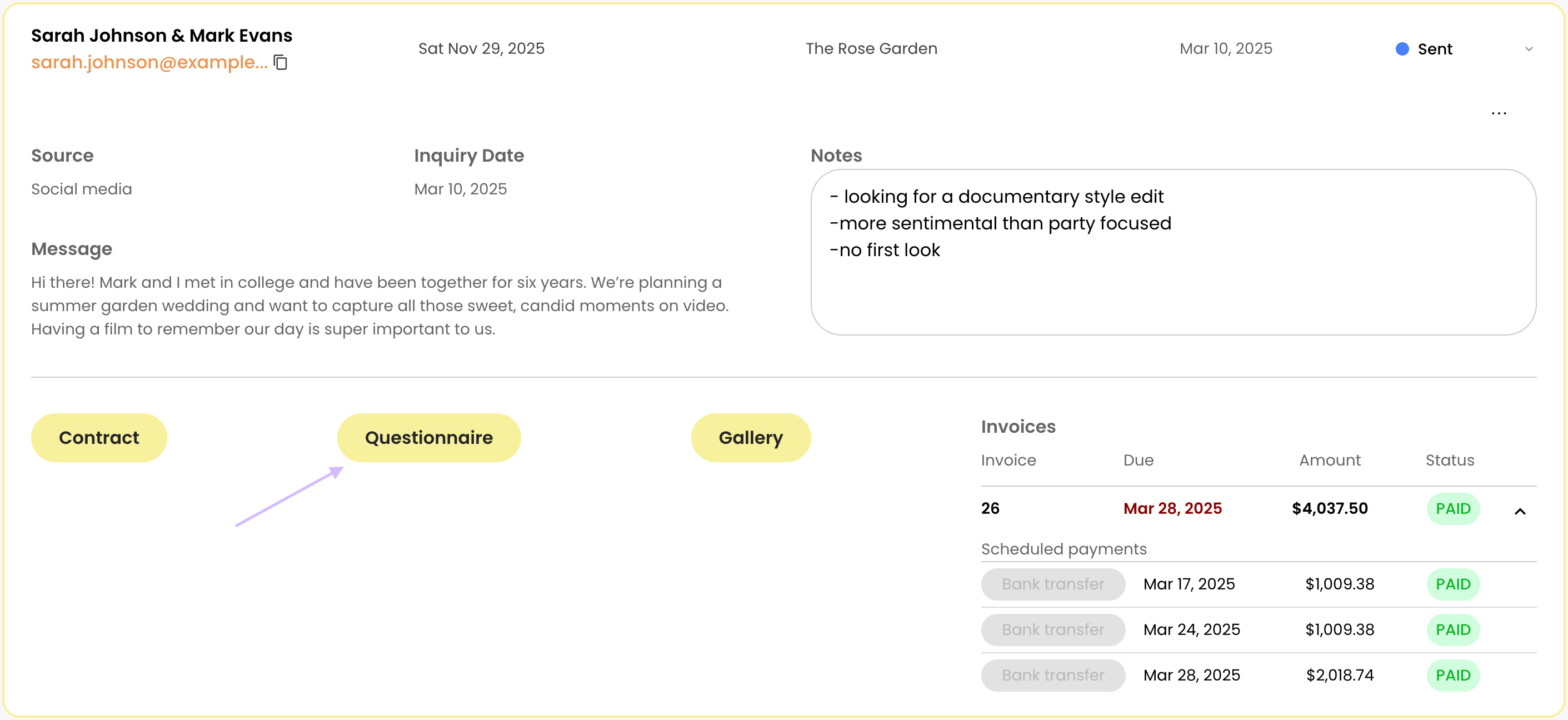
Open Questionnaire before editing - 3.
Open the assigned questionnaire actions.
- 4.
Select Edit Questionnaire.
- 1.
What can be changed for this client
Edit these details for the client:
- Questionnaire name, title, and subtitle
- Whether field labels appear inside or above fields
- Question wording and dropdown choices
- Required settings and field widths
- The order of the questions
Save and review the form
If future clients need the same changes, update the master separately.
- 1.
Watch for Saving changes..., Saved, or Changes auto-save while editing.
- 2.
Select Save & Return.
- 3.
Read the complete client questionnaire in its read-only view.
- 4.
Check the wording, choices, and required fields before sharing.
- 1.
Share the questionnaire
Select Copy URL, check that the link opens the right questionnaire, and send it to your client.