
Dashboard
Understanding Revenue and Goals
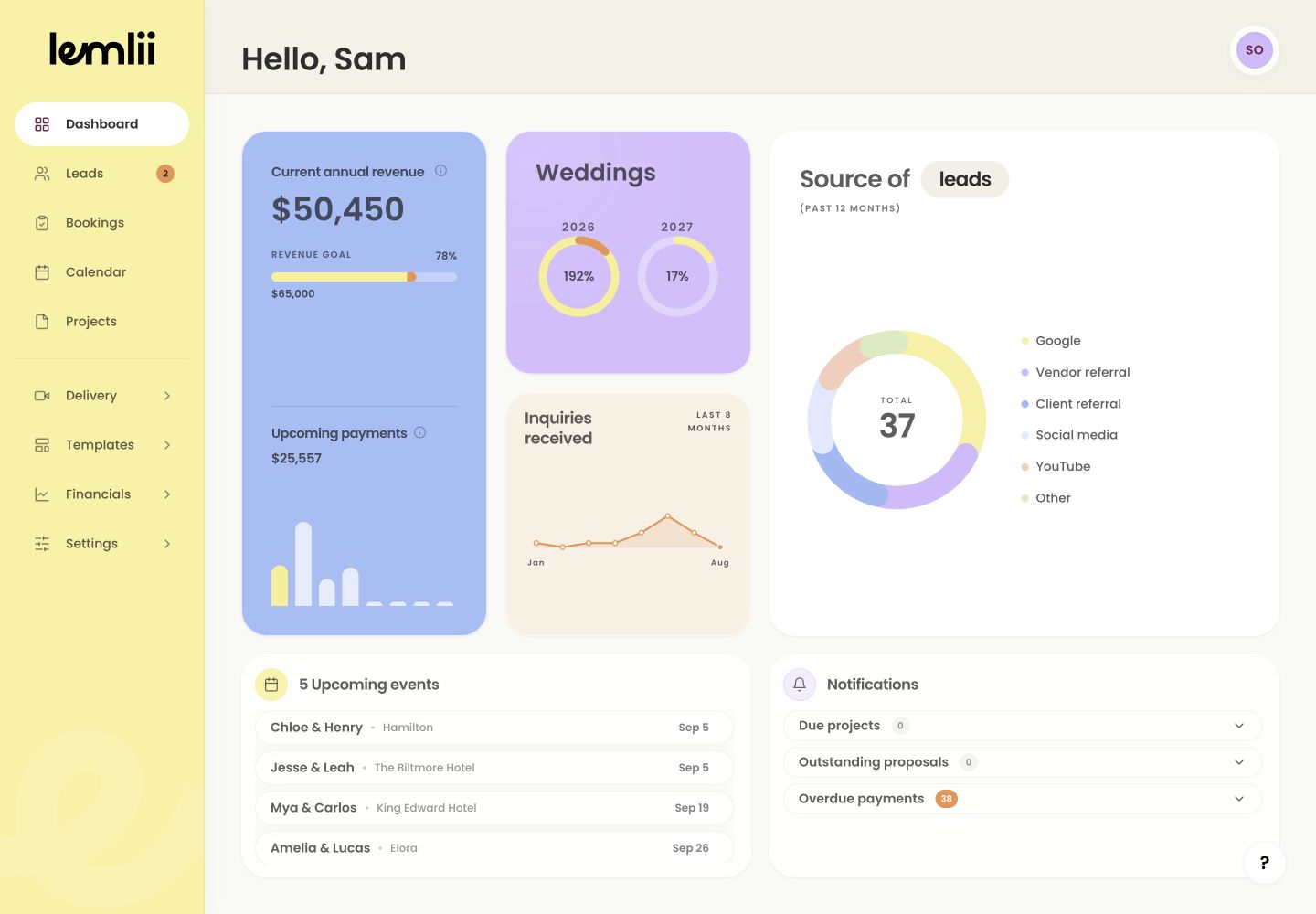
Read annual revenue, revenue-goal progress, upcoming payments, and wedding goals on the Dashboard.
The Dashboard shows this year’s recorded revenue and progress toward your goals.
Current annual revenue
On Dashboard, Current annual revenue shows this year’s recorded revenue, excluding sales tax. The YTD badge means year to date.
Revenue, upcoming payments, and wedding goals Revenue goal
The percentage shows progress toward your goal. Select the revenue card to open this year’s Expenses under Financials > Transactions.
Upcoming payments
This chart shows scheduled payments that are not yet due. No upcoming payments means none fall in this window; other invoices may still be unpaid.
Wedding goals
The Weddings card compares booked weddings with the goal for each year. Select a year to open those Bookings.
Trace a number that looks unexpected
Open the card’s detail link and check:
- Review invoices and recorded payments when revenue is unexpected.
- Review expense transactions when profit or spending looks wrong.
- Review booking dates and types when a wedding count is unexpected.
- Treat Unavailable as a coverage warning—often caused by current-year records using different currencies—not as a value of zero.
Notes
- Mixed-currency current-year records can make financial totals unavailable because Lemlii does not add currencies together.
- Keep invoice payments and expense transactions current for meaningful progress.